30-Day Faceless Content Kit
Create content without showing your face with a complete 30-day production
An execution-focused PDF kit for creators, digital-product sellers, and niche brands that want a structured month of faceless content without relying on camera-facing videos. WHAT'S INCLUDED - 10 practical faceless content formats - 5-pillar worksheet - 30-day faceless content calendar - 30 reusable faceless hooks - Short-form script formulas - 7-step batch workflow - Reusable weekly planner - Posting QA checklist - 30-day execution tracker - 10 ethical digital-product demo ideas WHO IT'S FOR - Creators who prefer faceless content - Digital-product sellers who need a 30-day execution plan - Beginners who want prompts, hooks, formats, and CTAs together FORMAT Digital PDF product. No physical item will be shipped. LICENSE Personal use only. Redistribution, resale, sublicensing, or public re-upload of the purchased files is not permitted. SUPPORT Need help with access or delivery? Use the Craft Modigi Help Center or Contact Support from the storefront. IMPORTANT This product provides practical frameworks and tools. It does not guarantee views, followers, traffic, sales, revenue, or income.
Digital access after purchase · Access and product details available through Whop
See what you’re actually getting
Genuine pages pulled directly from 30-Day Faceless Content Kit — nothing staged, nothing borrowed.
What’s inside
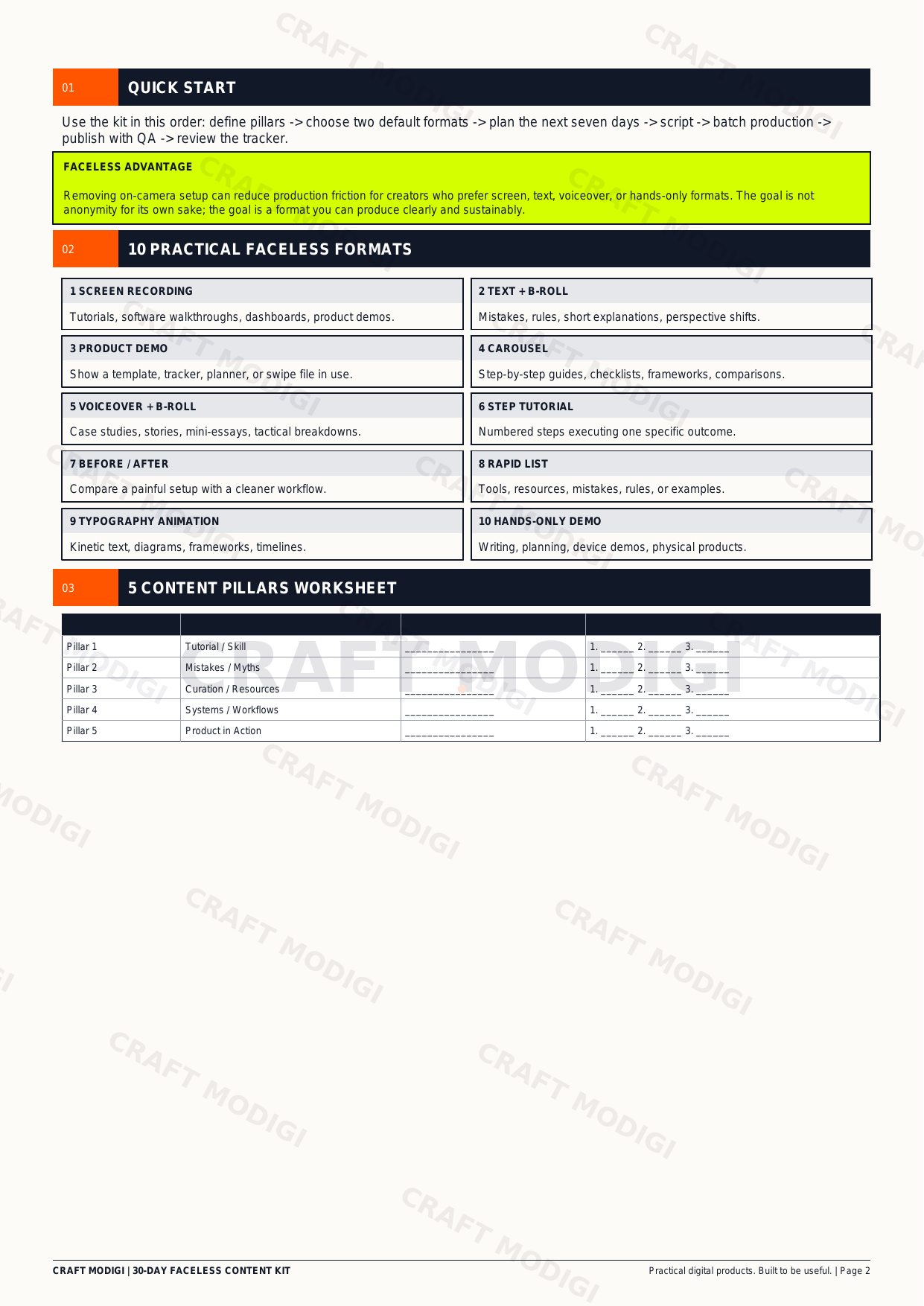
A real page showing part of the product structure.
Preview 1
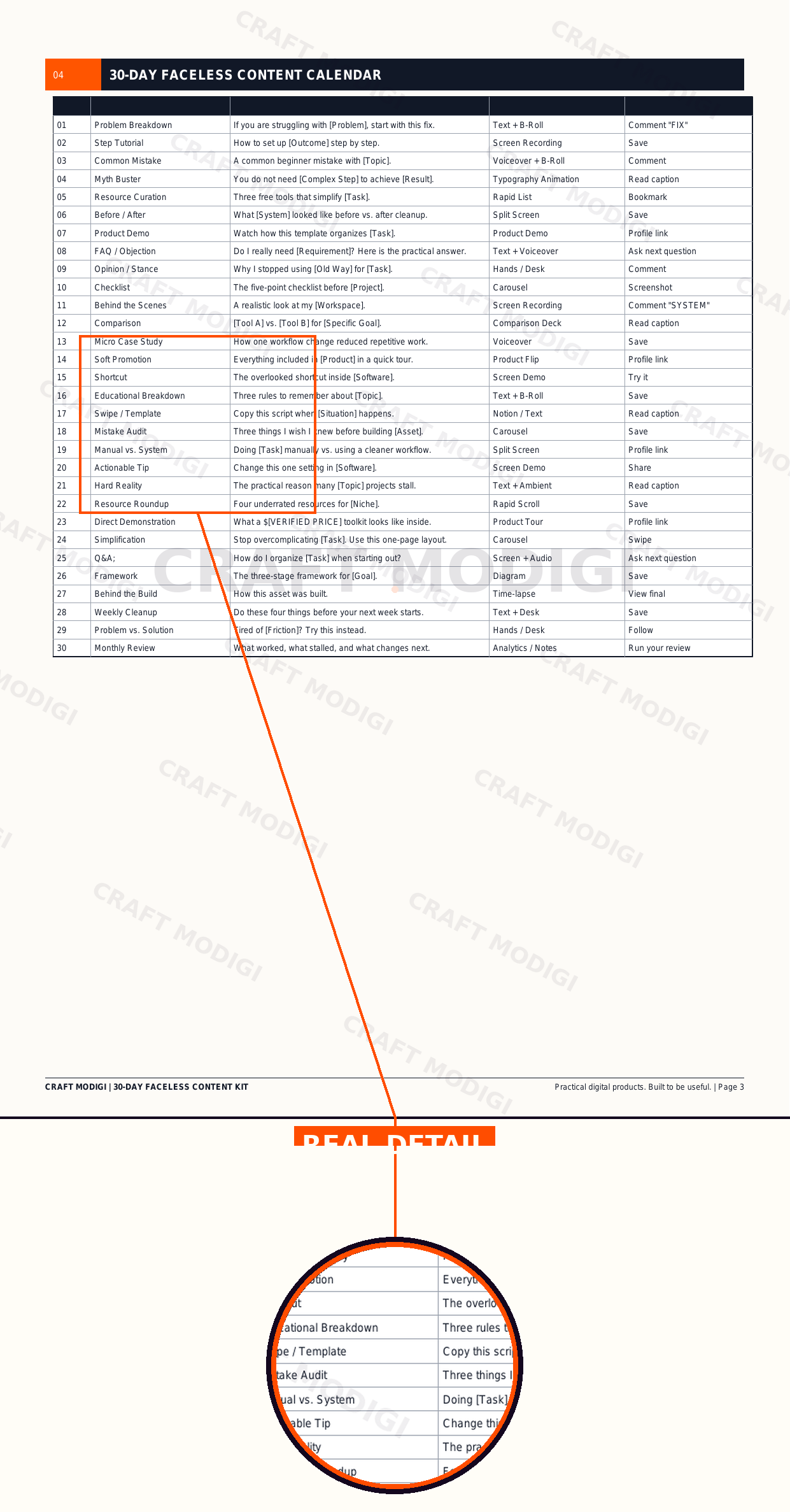
Real product preview — a sample page from the actual product, with one section shown up close.
Preview 2
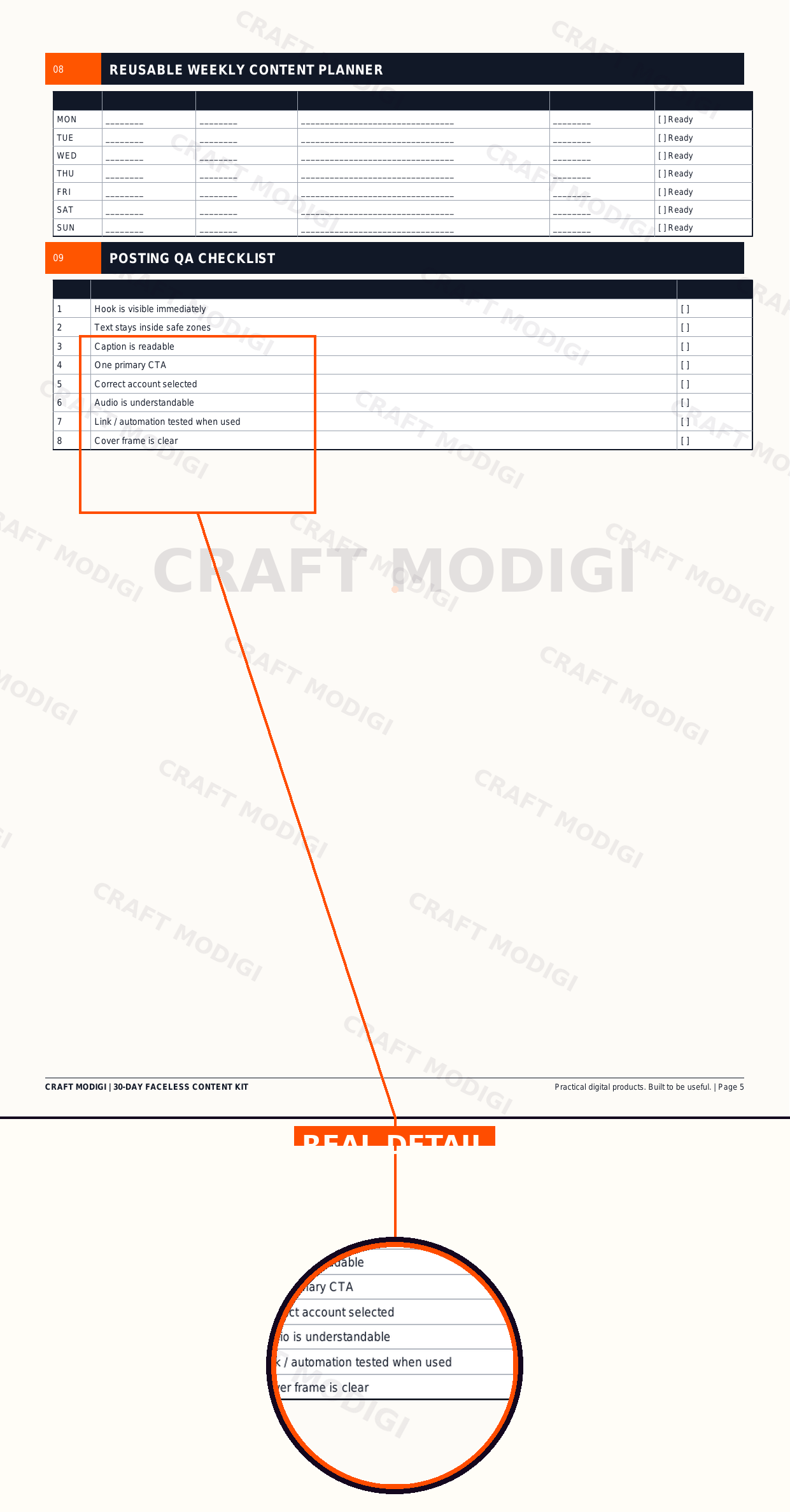
Real product preview — a sample page from the actual product, with one section shown up close.
These preview images are shown so customers can see the actual product before purchase. Preview images are branded and protected for display purposes only.
How it works
Step 1
Purchase
Buy securely through Whop checkout — card, Apple Pay or Google Pay.
Step 2
Get access
Your access link and files are ready the moment payment clears.
Step 3
Start using the product
Open it up and put it to work in your own content workflow.